Works with Google Calendar

All your plans.
One calm calendar.

Type it. Find time. Share it. Get booked.

Free to use No ads Syncs across devices
TodayNovember 2026
MonthWeekDay
+ New event
Mon 16Tue 17Wed 18Thu 19Fri 20Sat 21Sun 22
9 AM10 AM11 AM12 PM1 PM2 PM3 PM4 PM5 PM
10 AM
Sync
3 PM
Meeting with Sam
9:30 AM
Dentist
Free
11 AM
1:1
2 PM
Busy
5:30 PM Pickup
10 AM
Planning
Free
9 AM
Yoga
1 PM
Booking
10 AM
Futsal
11 AM
Family lunch
You have 3 events today.
You're free from 12 to 2.
You have 3 events today.
November 2026MonthWeekDay
SMTWTFS
12345678910111213141516171819202122232425262728293012345
Google Calendar syncTwo-way, real-time
Smart inputPicks up date, time and place
Find free timeEven across your group
Family and team sharingShare only "busy"
Booking linksWith Meet or Zoom links
01Smart input

Just type it.
It becomes an event.

Write it the way you'd say it. CALENVA fills in the rest.

  • Understands "every other Tuesday"
  • English and Japanese
  • Works in English and Japanese
  • Ask Karen to add events and to-dos Coming soon
Type a sentence
{{typed}}
Convert
TitleMeeting with Sam WhenThu, Nov 19 · 3:00–4:00 PM WhereShinjuku WithSam
"Tomorrow" = Thu, Nov 19
EditSave
Event added
02Google Calendar

Works with the calendar
you already use.

Two-way sync with Google Calendar. Change it anywhere, see it everywhere.

  • Work and personal accounts together
  • Instant updates on every device
  • Always in sync on phone and desktop
Connected calendars
WWork (Google)Connected
FFamily (Google)Connected
MMy calendarCALENVA
"Dentist" was moved to Nov 27, 6:30 PM
03Free time

See your free time.
Instantly.

Pick a length. Get open slots. Tap to add.

  • Set your own working hours
  • See when your whole group is free
  • Get travel time estimates from your previous event
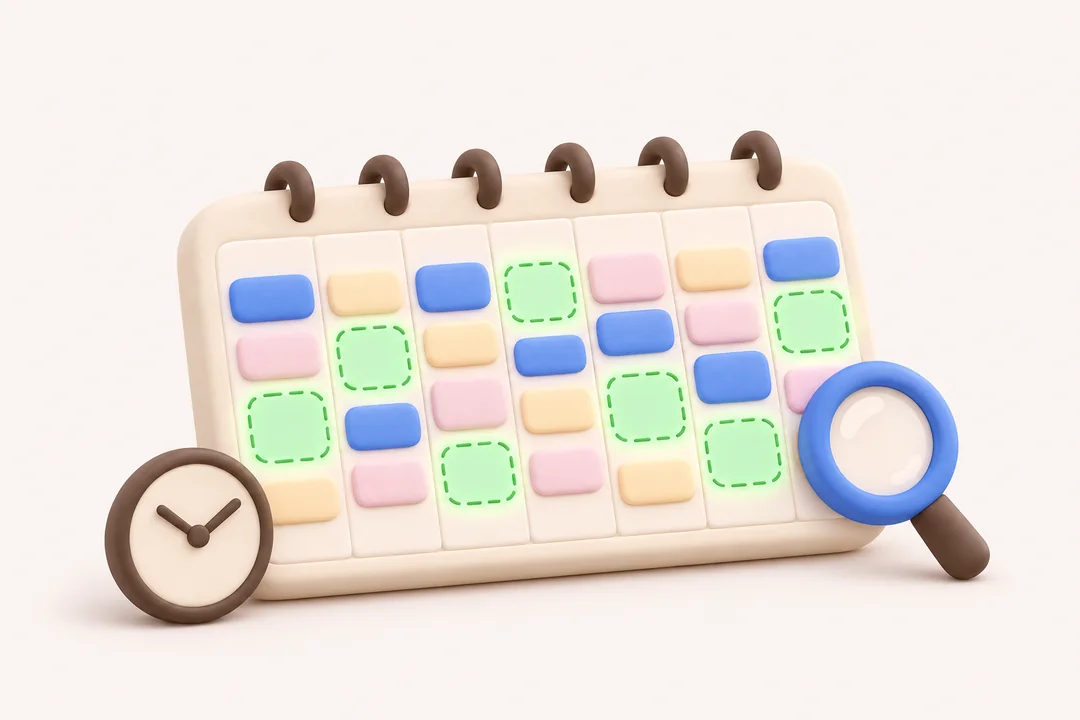
Find free time
1 hourNext 2 weeksWeekdays 9–6Skip holidays
Tue, Nov 24 · 1–3 PM+ Add
Thu, Nov 26 · 4–6 PM+ Add
Fri, Nov 27 · 10 AM–12 PM+ Add
Everyone's free time (family of 4)
MTWTFSS 6 PM 7 PM 8 PM
Everyone2 or more1 personNo one
04Sharing

Share just
enough.

One calendar for your family or team. Hide the details, show only "busy".

  • Editor and viewer roles
  • Your events stay private by default
  • Members can delete only the events they created
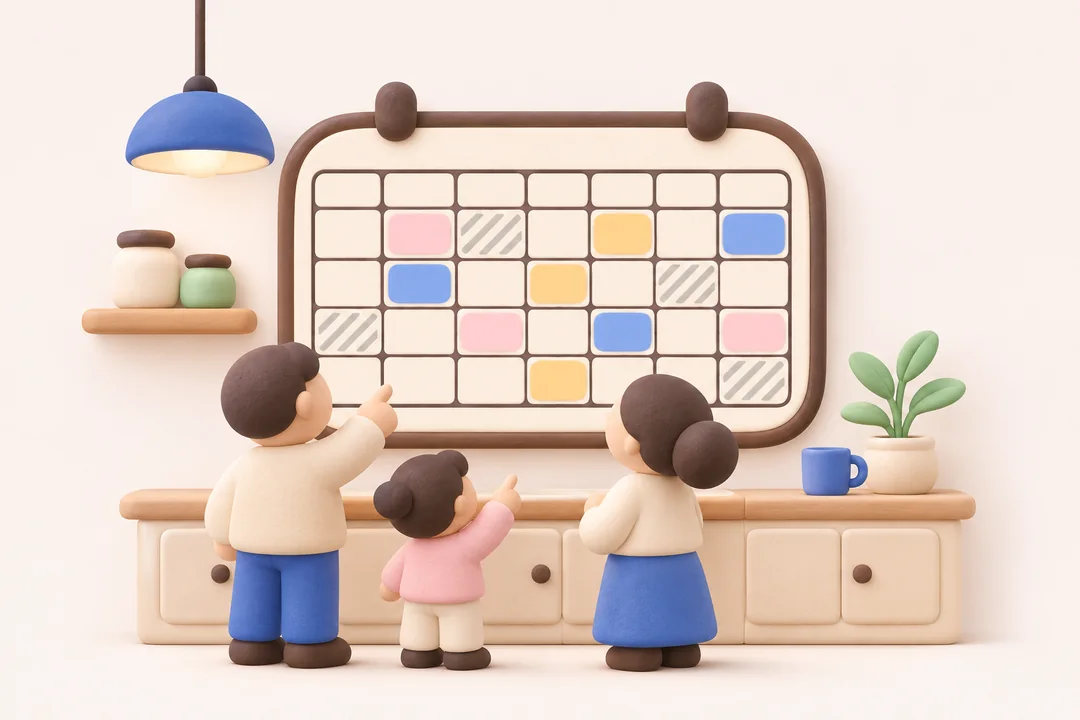
Our familyCopy invite link
Link copied
MMeOwner
MMomCan edit
BBenView only
How your events appear
WorkShow as busy
PersonalHidden
05Booking links

No more
"When are you free?"

Send a link. They pick a time. Done. Guests don't need an account.

  • Google Meet (via Google Calendar) or your Zoom link
  • Instant alerts when someone books
  • Offer times when you're free, or when your whole group is
  • Guests see only open times, never your event details

Alex's booking page Intro call (30 min) Tuesday, November 24
1:00 PM1:30 PM2:00 PM2:30 PM3:00 PM4:00 PM
Where to meet online
NoneGoogle MeetZoom or other link
Phone number
{{phone}}
Book
New booking
Tue, Nov 24, 2:00 PM · Taylor Brooks · Consultation
06Group scheduling

Find a date that
works for everyone.

Send options. Friends vote, no login. Lock it in.

  • Alerts when a date works for everyone
  • Up to 100 people per poll
  • People can change their answer later on the same device
  • Up to 100 people can answer each poll
Planning a big event? Collect sign-ups with Event BASE Coming soon
Create a poll Title
{{pTitle}}
Date options (from your free time)
Fri, Dec 11 · 7 PM+
Sat, Dec 12 · 6 PM+
Fri, Dec 18 · 7 PM+
Send link Link copied. Share it by text or email.
What your guests see (no login) Year-end party
Fri, Dec 11 · 7 PMYesMaybeNo
Sat, Dec 12 · 6 PMYesMaybeNo
Fri, Dec 18 · 7 PMYesMaybeNo
Your name
Taylor Brooks
Submit Answer sent
Year-end party{{pn}} replies
New answers for "Year-end party" ({{pn}} so far)
OptionsYesMaybeNo
Fri, Dec 11 · 7 PM{{v.a0}}{{v.a1}}{{v.a2}}
Sat, Dec 12 · 6 PM{{v.b0}}{{v.b1}}{{v.b2}}
Fri, Dec 18 · 7 PM{{v.c0}}{{v.c1}}{{v.c2}}
"Year-end party" is almost settled. Lock in Fri, Dec 11?
Confirm this date Added to your calendar
07CALENVA AI · Karen Coming soon

Meet Karen.
She handles the busywork.

Just ask. Karen adds events and to-dos and finds free time for you.

  • Add events and to-dos, saved only when you tap Save
  • Look up events and find free time
  • Answers how-to questions
  • 30 free requests/month, 300 with Premium (planned)
KarenCALENVA AI
I want to meet Sam for an hour next week You're free Tuesday at 1 PM and Thursday at 4 PM. Which one? Tuesday, please Here's "Meeting with Sam", Tue, Nov 24, 1 PM. Tap Save to add it. Add a to-do: send the papers by Friday And the to-do "Send the papers", due Nov 27. Tap Save to keep it.
08Connect your AI

Bring your
own AI.

Use CALENVA right inside ChatGPT, Claude, Gemini or Grok.

ChatGPT Claude Gemini Grok


Plus any AI that supports MCP (the open standard for AI apps)
Your AIConnected to CALENVA
When do I have 2 free hours next week? Checking your CALENVA schedule You're free Tuesday the 24th from 1 to 3 PM, and Thursday the 26th from 4 to 6 PM.
1Copy your personal link in CALENVAMy Page → Connect AI.https://…/mcpCopy
2Paste it into your AI's plugin settingsUnder Plugins or Connectors.Add pluginPaste
3Tap Allow in CALENVAConfirm, and you're connected.Let Claude access your schedule?Allow
View and search events, find free time. Adding events: Coming soon No extra cost. Your AI plan doesn't change. Private events show only as "busy." Disconnect anytime.

Availability depends on each AI's plans and regions (ChatGPT needs Developer Mode).

And more

Small things. Big difference.

To-dosSorted by due date, shown next to your events.
NotificationsReminders before events and a morning summary. Quiet hours at night.
Travel timeKnow when to leave. Get warned if you'll be late.
Public pageShow chosen events on your website.
View modesSwitch between Work, Family and Personal in one tap.
ThemesColors, shapes and text size, your way.
English and JapaneseChoose your language. More languages are on the way.
Phone and desktopThe same schedule everywhere. Add it to your home screen.
Pricing

Free to start. No ads.

Free ¥0
  • Events, to-dos and Google Calendar sync
  • Sharing, free time and booking links
  • Connect your own AI
  • Standard theme
  • CALENVA AI: 30 requests/month Coming soon
Get started free
PremiumComing soon
¥550/ month (Japan, tax incl., planned)
  • Everything in Free
  • All themes
  • CALENVA AI: 300 requests/month Coming soon
Coming soon
Privacy

Your schedule is yours.

You decide what to showShare the time, not the details.
No adsWe show no ads and don't use your events for advertising.
AI only with your permissionOnly AIs you approve can connect. Disconnect anytime.
FAQ

Questions?

Is it really free?

Yes. Events, sharing, free time, booking links and AI connections are all free, with no ads.

What happens to my Google Calendar events?

They stay right where they are. Once connected, they appear in CALENVA, and any changes you make here are saved back to Google Calendar.

Can my family see the details of my events?

Not unless you choose to share them. Joining a group doesn't reveal your events, and even when you share, you can show only "busy".

Does it work on my phone?

Yes. It runs in your phone's browser. Add it to your home screen to get notifications too.

Start planning
in seconds.

Sign in with Google. That's it.

Get started free